
People. Time. In Sync.
Every working day recorded with a verified check-in. Employees see their shift, leave and pay; supervisors see the team, today and across the month.
One Record of the Working Day
Attendance that is verified at the moment it happens, so the record HR works from is the record that was actually true on site.
What Tymvio Is
A workforce and attendance app for companies whose people work across sites, shifts and locations. Employees record their day from their own phone; the people who manage them see attendance, shifts and requests for their team.
The Problem It Solves
A timesheet filled in later is a memory, not a record. Without verification at the moment of arrival there is no way to settle a disputed hour, and no way for a supervisor to know who is actually on site right now.
How Tymvio Helps
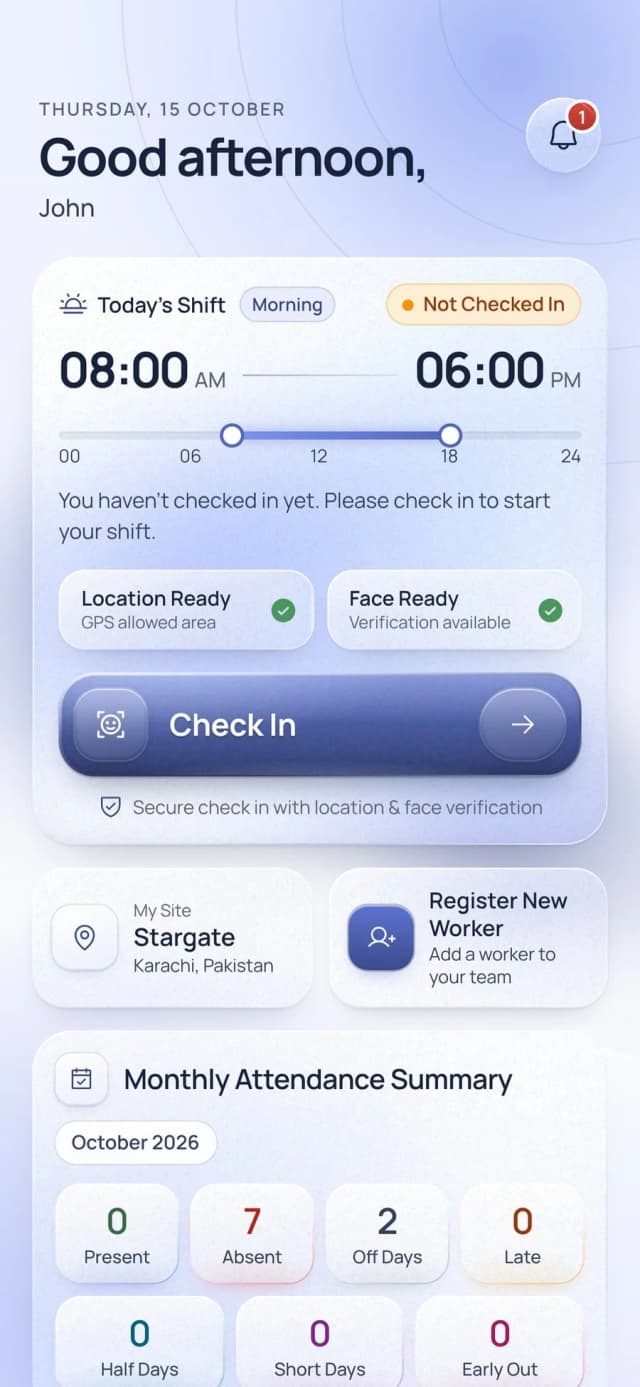
A check-in confirms the face and that the phone is inside the site, so the time is fixed as it happens. Shifts, leave, overtime and payslips sit in the same app, and the team view is built from the same records.
Built for Every Workforce Scenario
Each part of the app removes a step that is otherwise done on paper, in a spreadsheet, or over the phone.
Verified Check-In
Face and location, confirmed together.
- A face check confirms the person before the time is recorded
- The app confirms the phone is inside the GPS area allowed for that site
- Both checks show their state before check-in, so nobody is caught out at the gate
Shifts, Leave and Corrections
The requests a working month actually generates.
- The assigned shift and site, each visible from the employee’s own account
- Leave balance by type, with requests that carry an attachment
- A request to correct a missed check-in or check-out, rather than an argument later
Team Oversight
What a supervisor needs to see, in one place.
- Today’s attendance by category: present, absent, late, early out, on leave
- The worker list, team attendance history and team shifts
- Leave approvals, held as pending, approved or rejected
Overtime and Pay
The record follows through to the payslip.
- Overtime by month, by the last three months, or across a chosen range
- Payslips available to the employee from the same account
- Every figure traces back to a check-in that was verified when it happened
Every Screen Perfected
From first launch to daily check-in, Tymvio guides every employee through a seamless, verified attendance experience.
Launch
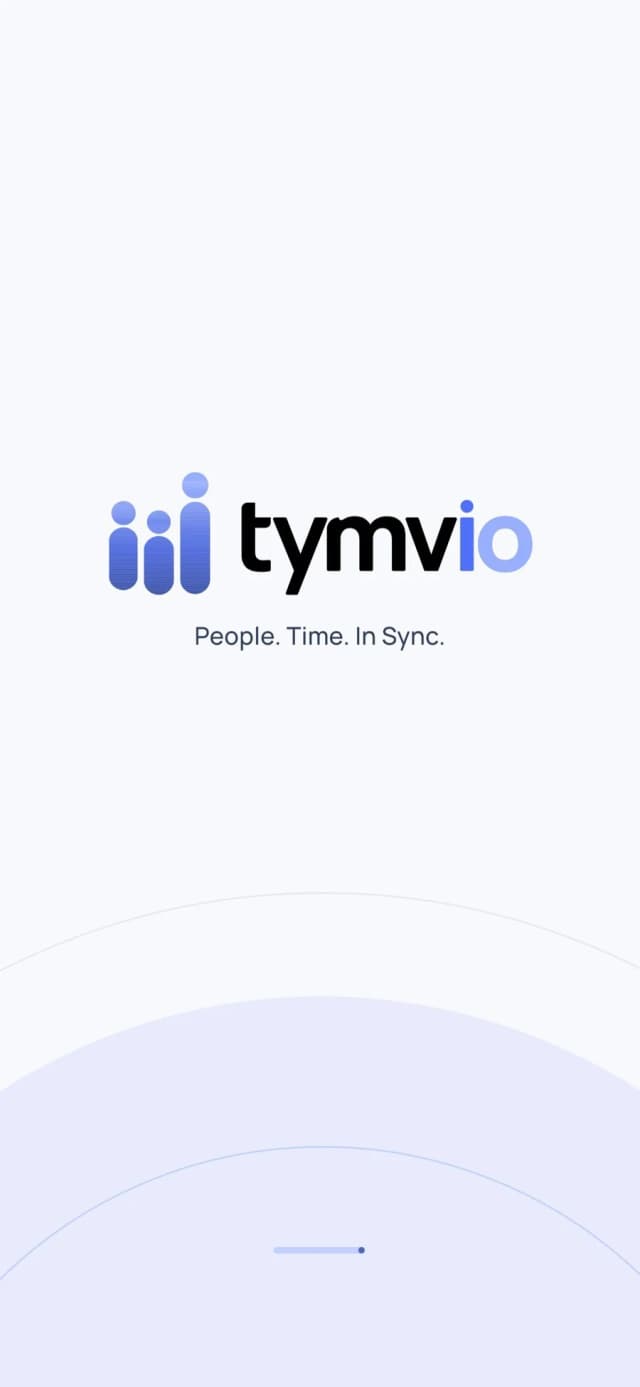
The app opens on the Tymvio mark and the line it works to: People. Time. In Sync.
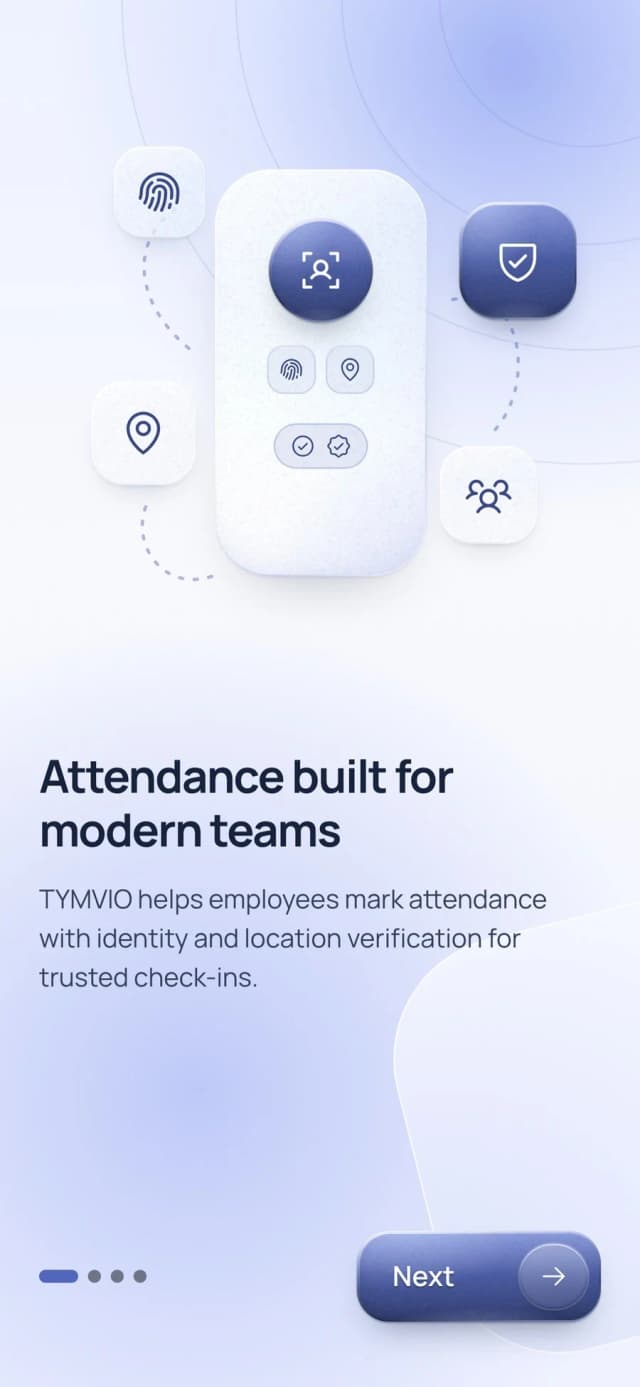
Built for Distributed Workforces
Wherever a working day starts somewhere other than a single office, the question of who arrived, and where, has to be answered by something better than memory.
Construction & Field Teams
Crews that start the day at a site rather than an office. The check-in confirms the person and the site together, so the record is made at the gate and not reconstructed at the end of the week.
- Site-bound GPS check-ins
- Today’s attendance by category
- Correction requests, not disputes
Retail & Hospitality
Shift work across branches, where the rota changes and leave has to be approved quickly. Team shifts and leave approvals sit in the same app the staff already use to check in.
- Team shifts and shift detail
- Leave approvals in one queue
- Overtime by month or range
HR & Operations
The people who answer for the payroll. Attendance history, overtime and payslips all trace back to a verified moment, which is what makes a figure defensible when it is questioned.
- Attendance history by range
- Overtime that traces to check-ins
- English and Arabic throughout
Why Choose Tymvio
Built differently — with real-time precision, enterprise scale, and the flexibility your operations actually need.
Verified, Not Reported
A face check and the site’s GPS area are confirmed at the moment of check-in, so the time recorded is the time that happened.
One App, Both Roles
The same app carries the employee’s own record and, for those who manage a team, the team’s attendance, shifts and approvals.
English and Arabic
The whole app, in both languages, so a workforce does not have to share one reading level to use it.
The ID You Already Hold
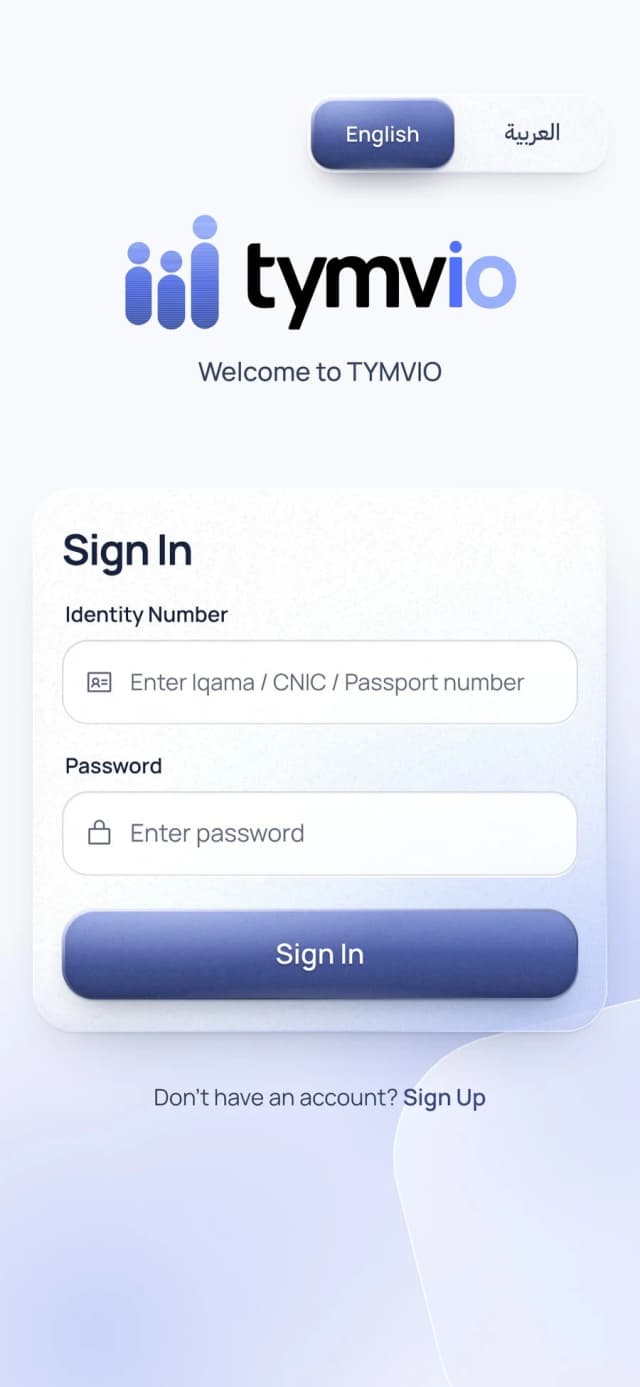
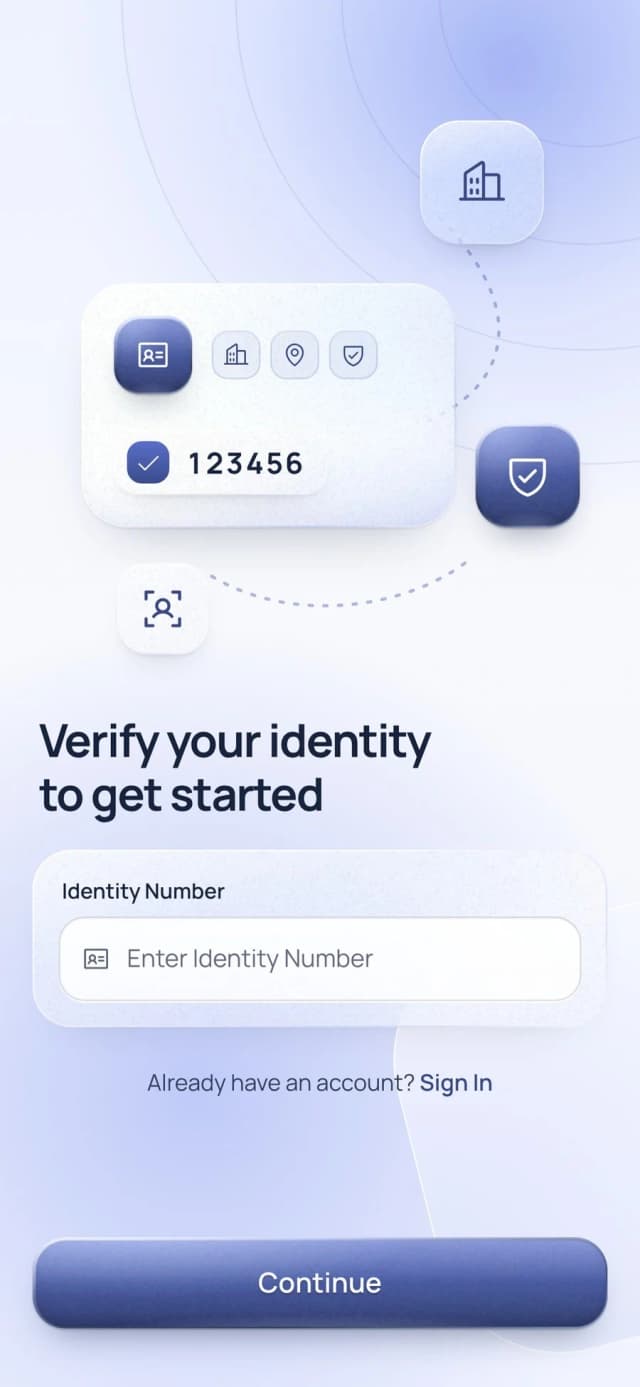
Identity rests on the number the employer has on record already — an Iqama, a CNIC or a passport — with nothing new to issue.
Verified and Live in 3 Steps
From the first sign in to the first recorded day.
Verify Your Identity
Sign up starts with the identity number the employer already holds — an Iqama, a CNIC or a passport. The app checks it before an account is created, and says plainly when a number is already in use or not yet approved.
Register Your Face
A one-time face capture, with guidance on lighting and framing while it is taken. This is what makes every later check-in verifiable rather than merely reported.
Check In Each Day
The shift and both readiness checks appear on Home. Check in, and the face and the site are confirmed together — the moment is recorded as it happens, not written down afterwards.
Have a Project in Mind?
Let’s collaborate to build something extraordinary. Our team is ready to turn your vision into reality.
Contact Us